


No products in the cart.
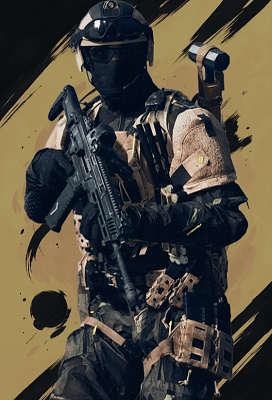
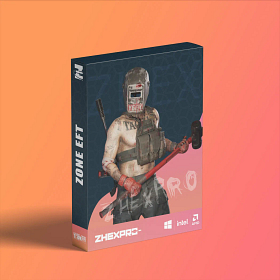
Zone: Battlefield 6

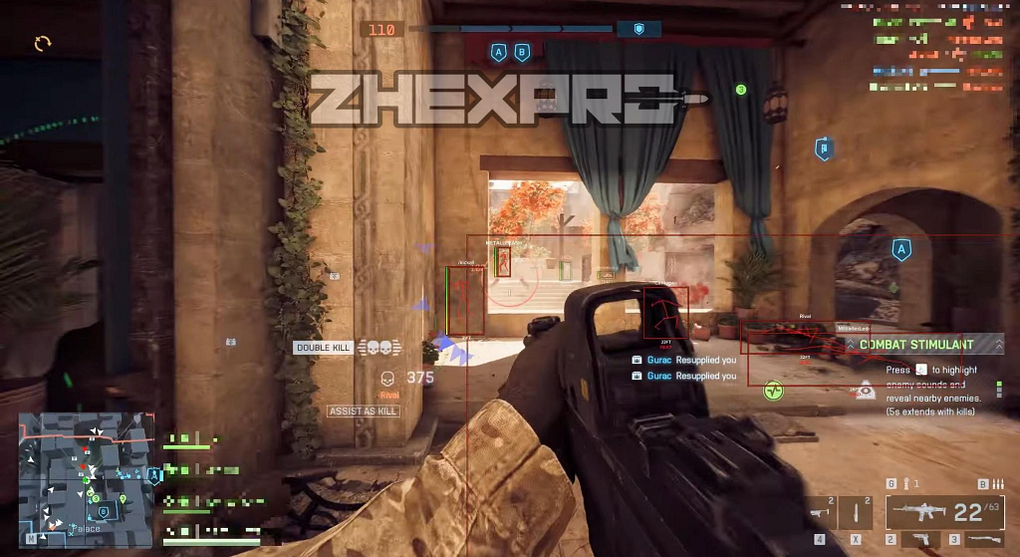
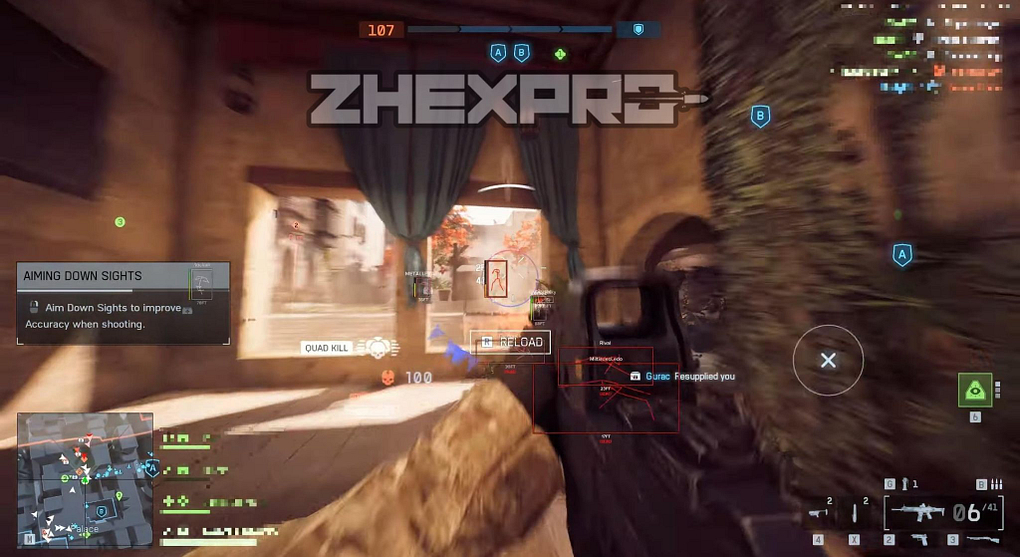
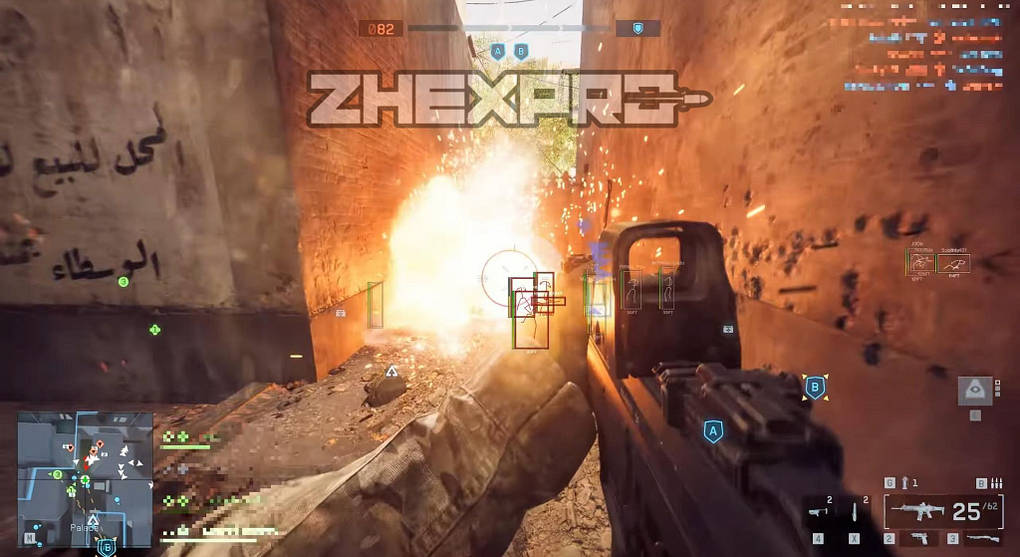

Overview
Custom hotkey
FOV
Bone
Visibility
Smoothing
Humanized path
Threshold
Prediction
Max distance
Overview
Player ESP
Show team
Boxes
Name
Snapline
Health
Distance
Head circle
Skeleton
Thickness
Max distance
Overview
2D radar
Radar size
Config save/load
Instant delivery
Auto update
Streamproof
Screenshot protect
Watermark toggle
Colors
SYSTEM SPECS
OS
Windows 10 - Windows 11 (All Builds)
CPU
Intel & AMD
GPU
AMD & Nvidia
SELECT PLAN
DOCUMENTATION
4.8
Based on 4 reviews
N
Been using the BF6 cheat from Zhexcheats for a week now. Runs smooth with no lag or bans. ESP and aimbot feel very natural. Support helped me set it up in just a few minutes. Easily the best BF6 tool I have used so far.
T
I have been using it for all day and everything works great, when I had a problem, the customer service dealt with it very quickly and solved it, I highly recommend it!!
Write a Review
You must be logged in to post a review.
About Zone: Battlefield 6
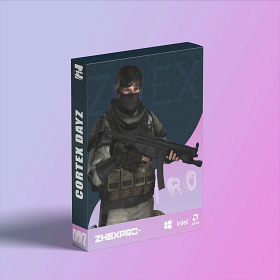
Zone: Battlefield 6 is an external cheat for Battlefield 6 and one of our best sellers. Zone is known for its dead-simple USB setup. Plug in your flash drive, run the loader, and play. The brand gets consistent updates and has long undetected runs across multiple games.
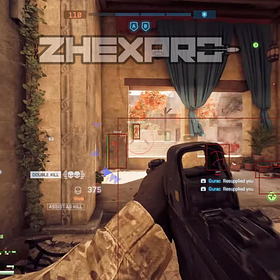
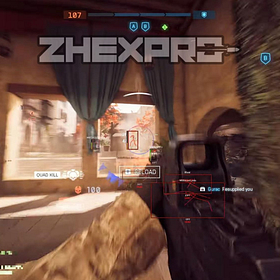
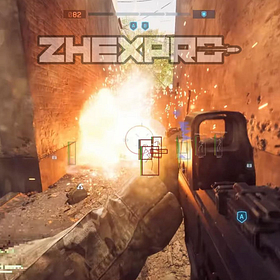
Battlefield 6 brings massive battles with next-gen destruction and 128-player servers. Tracking enemies across these huge maps without help is a nightmare. Zone BF6 ESP marks every player and vehicle while the aimbot handles long-range shots.
Getting Started
- Download the loader and copy it to a USB flash drive.
- Install Visual C++ Redistributables if you do not have them.
- Uninstall any third-party antivirus and turn off Windows Defender real-time protection.
- Close all game launchers and overlays (Discord, GeForce Experience, MSI Afterburner).
- Run the loader from your USB drive as administrator and enter your license key.
- Click Start, wait for the success message, then remove the USB.
- Launch Battlefield 6 in borderless or windowed mode.
In-Game Controls
The menu shows up automatically when the game loads. Navigate with your mouse. Settings save between sessions. Set your game to borderless or windowed. Fullscreen exclusive mode blocks the overlay.
Safety
Zone: Battlefield 6 has built-in HWID protection against EAC bans. The USB loading method adds extra safety because no cheat files sit on your main drive. Always run the loader before opening any game client.
Need Help?
Our setup guide has step-by-step instructions with screenshots. For live help, join Discord.
Love it. thanks.